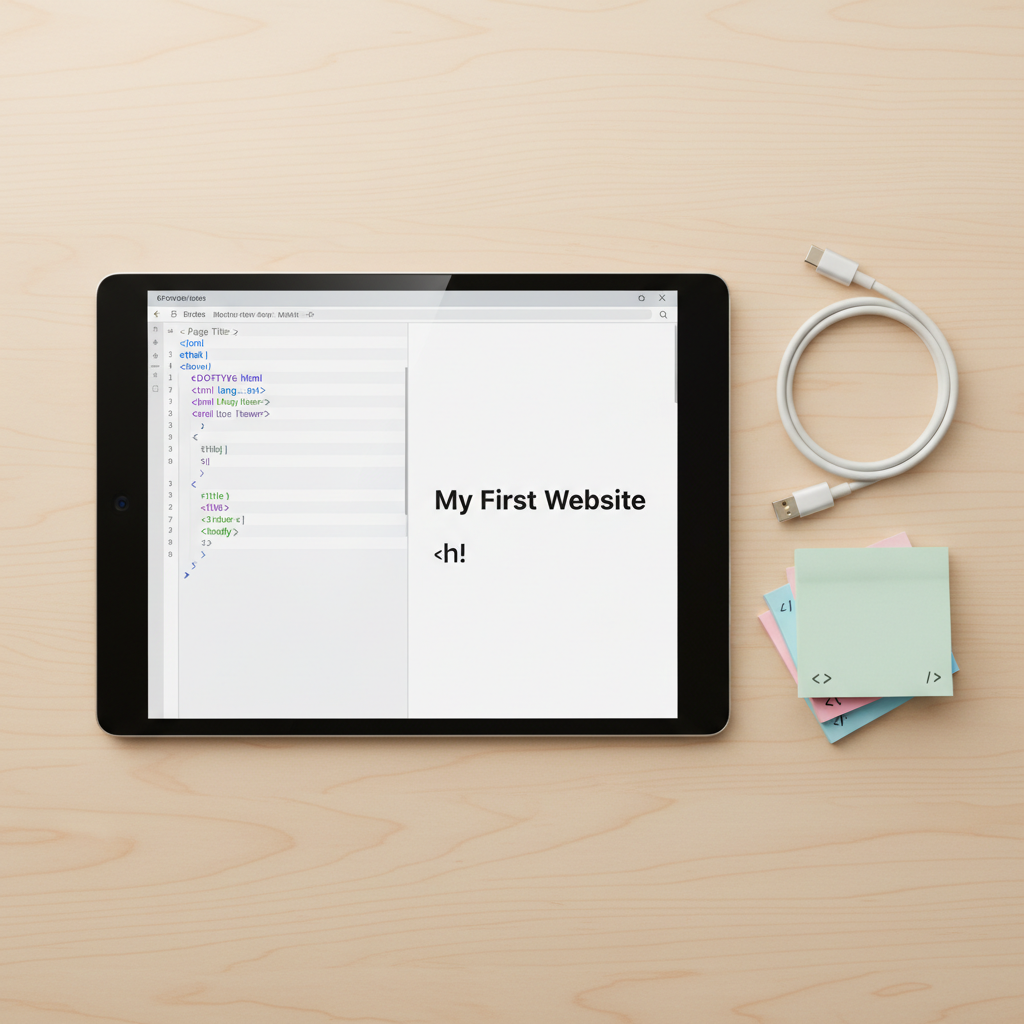
A close-up of a glossy black tablet lying flat on a smooth birch wood desk, its bright screen showing a simple HTML document on the left and the rendered webpage preview on the right. The code includes colorful tags and comments explaining each section. To the side rests a neatly coiled white USB-C cable and a small stack of pastel sticky notes with tiny drawn icons of tags and brackets. Soft, warm overhead lighting gently highlights the tablet’s beveled edges and creates subtle reflections on the glass. Shot from a top-down, bird’s-eye perspective, the composition is tidy and balanced, with sharp focus throughout, conveying an approachable, student-friendly feel in a clean photographic style.

Frameworks 101

Understand modern JS frameworks and choose the right starting point for your first real projects.

About

Why Frontend Frameworks Matter

Frontend frameworks like React, Vue, and Angular give structure to your JavaScript, helping you build faster, cleaner, and more reliable apps. New here? Visit our Dev Tools section to set up your editor, browser extensions, and project environment.
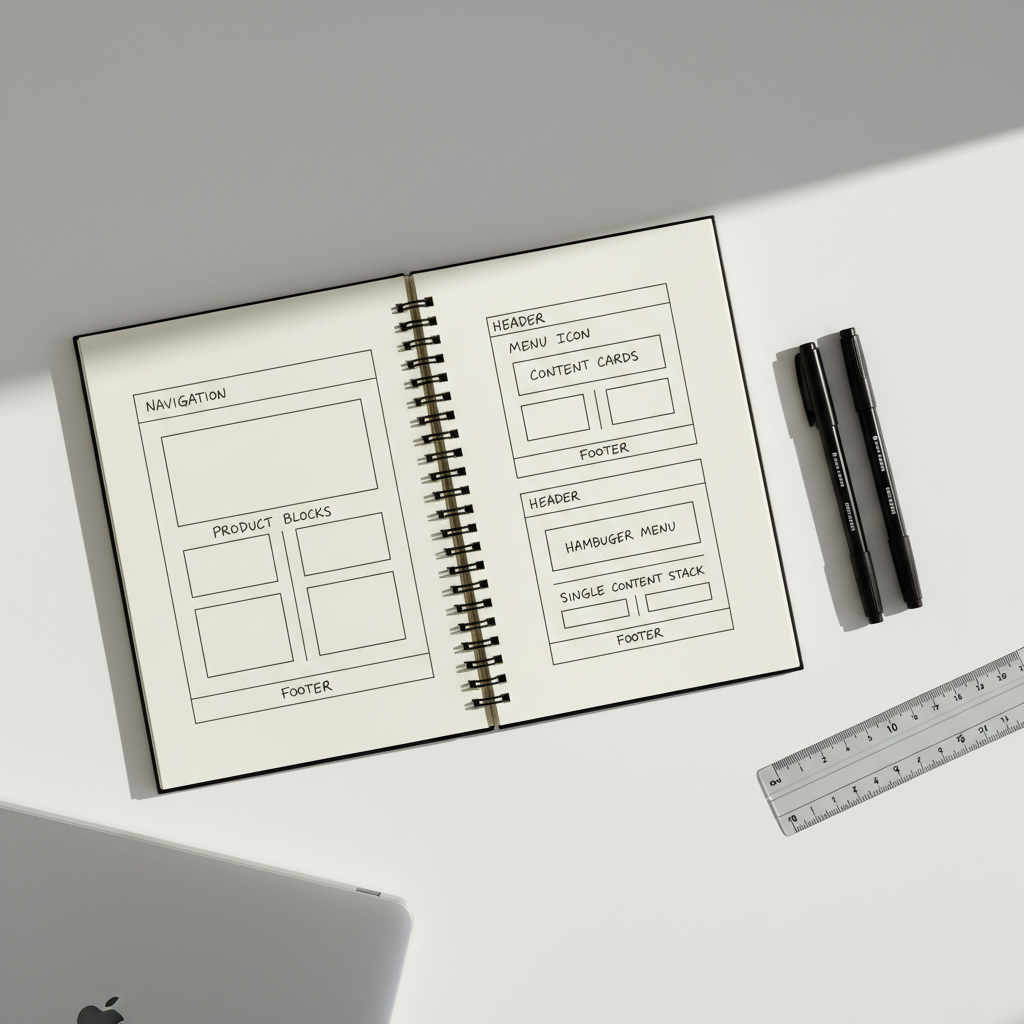
An open notebook-style sketchpad on a matte white desk, filled with neatly drawn wireframes of a responsive website: desktop, tablet, and mobile layouts aligned across the pages, with labeled headers, buttons, and content blocks. Beside the sketchpad lie two fine-line black pens and a cool gray ruler. A slim silver laptop is partially visible at the frame’s edge, closed. Soft morning sunlight streams diagonally from the top right, casting crisp but gentle shadows from the pens and ruler, adding depth and texture to the paper. Photographed from a slightly elevated angle with sharp focus and generous negative space, the scene feels intentional, modern, and instructive, ideal for conveying the planning stage of web development in a realistic photographic style.

Frameworks

About

When To Learn Frameworks

Focus on solid HTML, CSS, and vanilla JavaScript first: variables, functions, DOM, and APIs. Once you can build a small interactive app without copy‑pasting code, you’re ready to explore frameworks confidently.
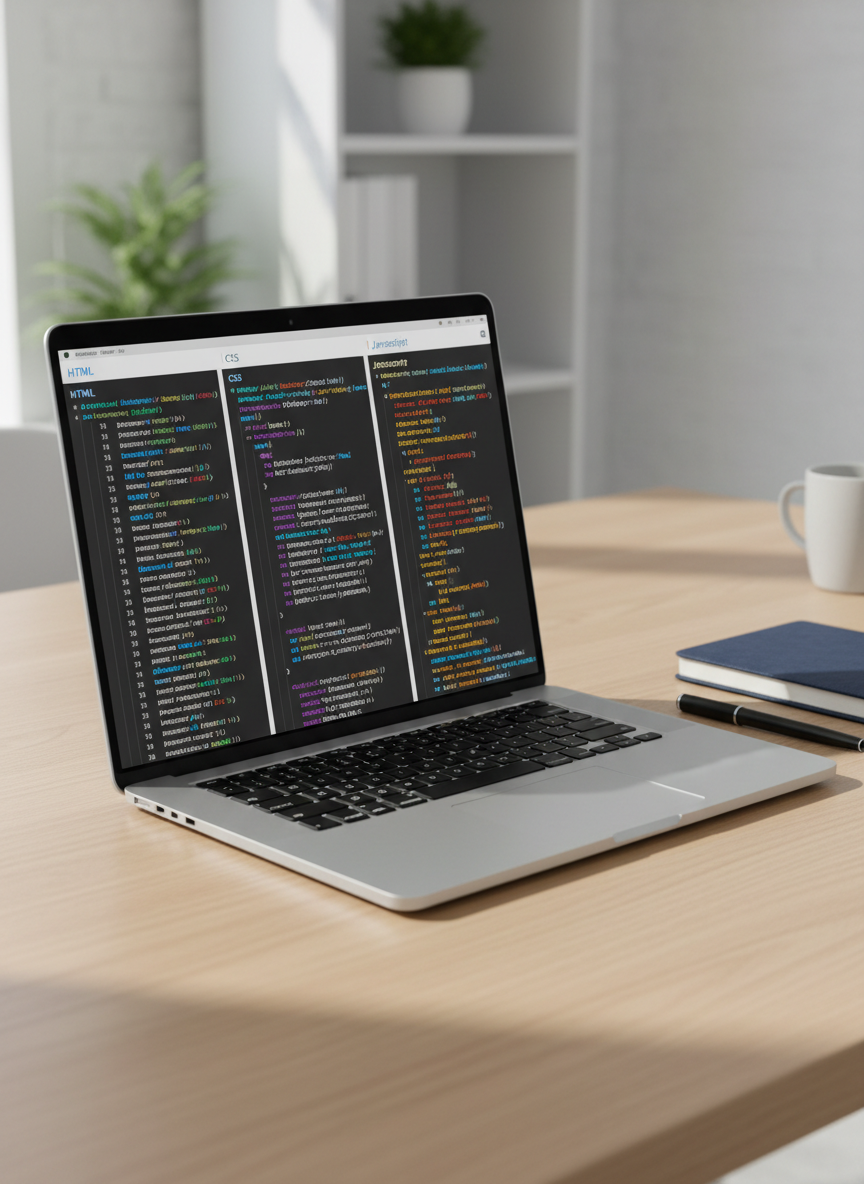
A sleek silver laptop with a vivid, high-resolution screen displaying a clean code editor split into HTML, CSS, and JavaScript panels, each with colorful syntax highlighting and neatly formatted code. The laptop rests on a light oak desk with a matte finish, beside a closed navy-blue notebook and a fine-tip black pen. Soft daylight from an unseen window to the left casts gentle, natural shadows and subtle reflections on the laptop’s metallic surface. The background shows a slightly blurred modern workspace with minimal clutter. Photographed at an eye-level angle with a shallow depth of field, the composition feels professional, calm, and student-friendly, emphasizing clarity and focus in a photographic realism style.