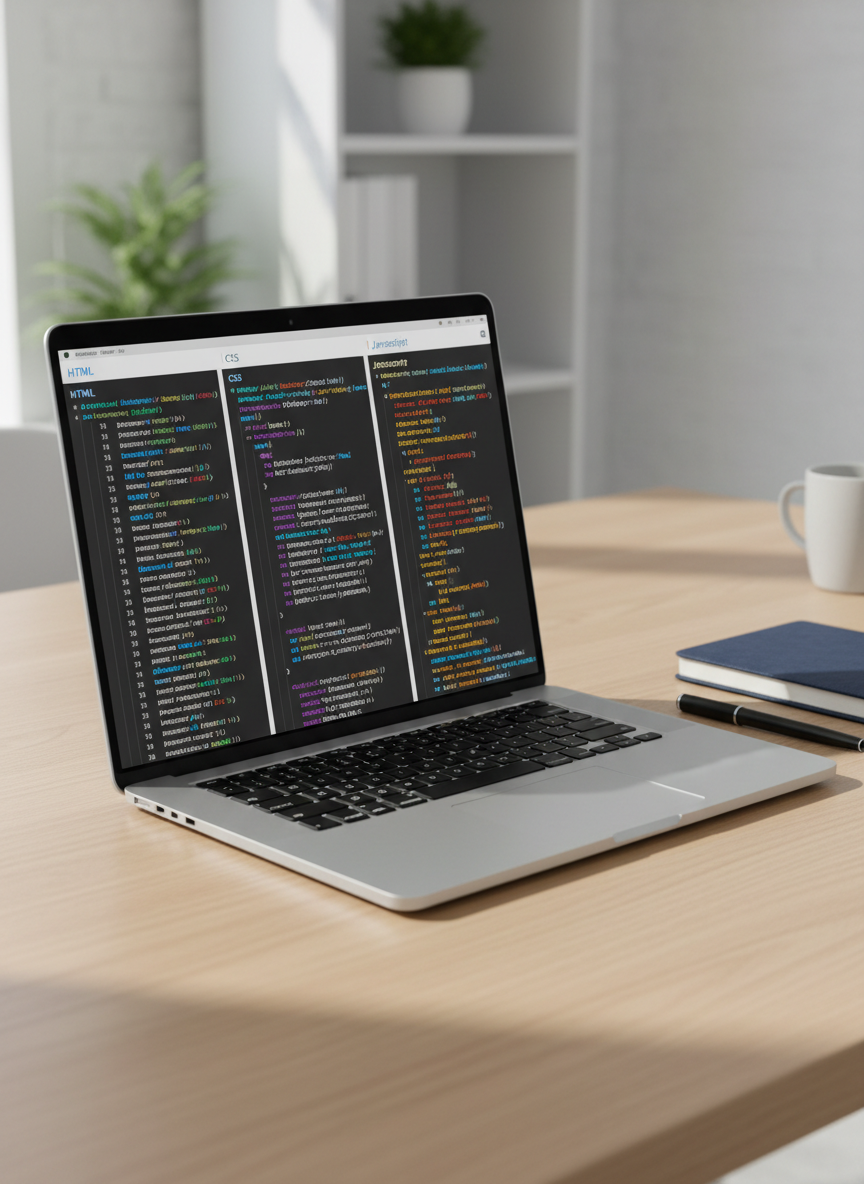
A sleek silver laptop with a vivid, high-resolution screen displaying a clean code editor split into HTML, CSS, and JavaScript panels, each with colorful syntax highlighting and neatly formatted code. The laptop rests on a light oak desk with a matte finish, beside a closed navy-blue notebook and a fine-tip black pen. Soft daylight from an unseen window to the left casts gentle, natural shadows and subtle reflections on the laptop’s metallic surface. The background shows a slightly blurred modern workspace with minimal clutter. Photographed at an eye-level angle with a shallow depth of field, the composition feels professional, calm, and student-friendly, emphasizing clarity and focus in a photographic realism style.

Dev Tools

Start with the essential tools every new web developer needs, explained simply for students.

Tools

Modern web tools help you code faster, spot errors early, and keep projects organized. On this site, you’ll discover beginner‑friendly editors, browsers, and extensions, plus links to Resources for deeper practice.
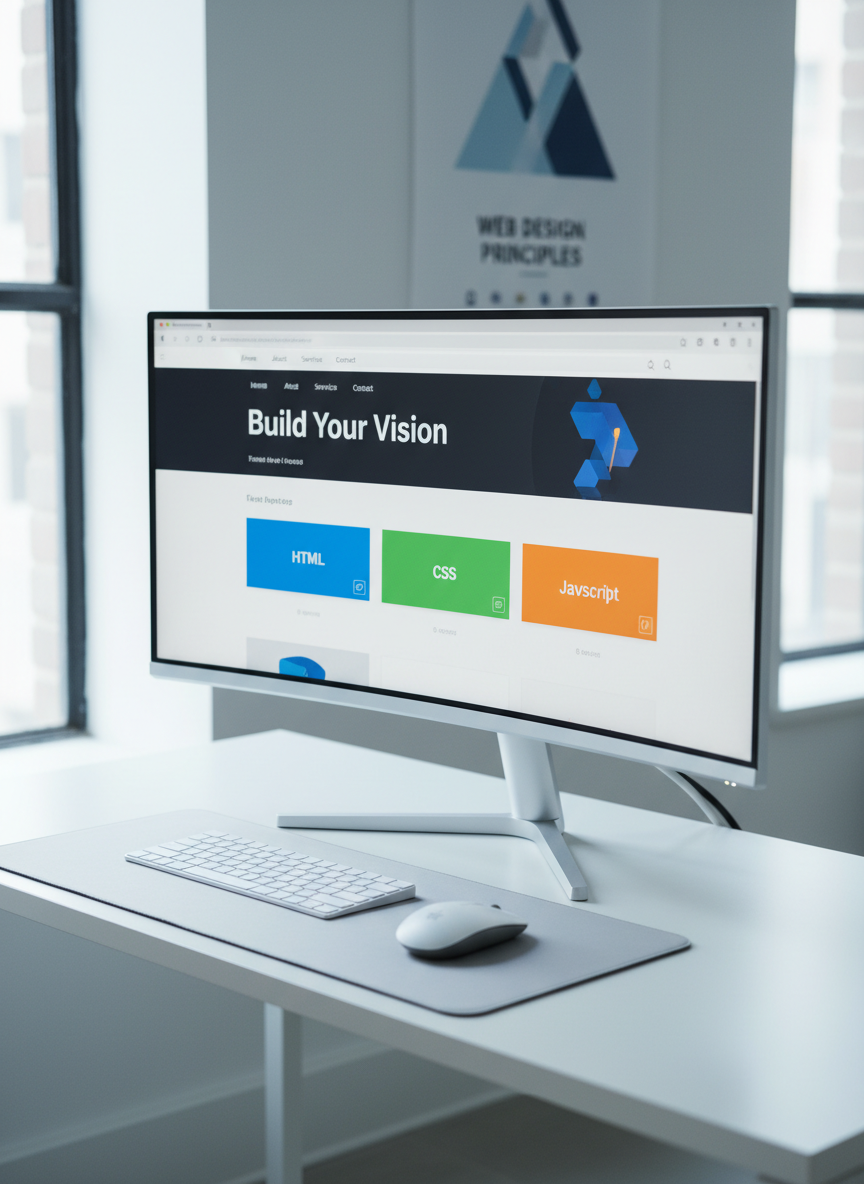
A large, ultra-wide computer monitor on a minimalist white desk, showing a modern web page layout in a visual editor: clear navigation bar, hero section, and responsive grid of colorful cards labeled HTML, CSS, and JavaScript. Beneath the monitor, a compact wireless keyboard and mouse sit perfectly aligned on a soft gray desk mat. Cool, diffused natural light from a nearby window creates a clean, even illumination, with soft shadows under the monitor stand. The background is a softly blurred wall with a simple geometric poster about web design. Captured from a slightly elevated three-quarter angle, the photographic image feels organized, modern, and educational, ideal for introducing web development concepts.
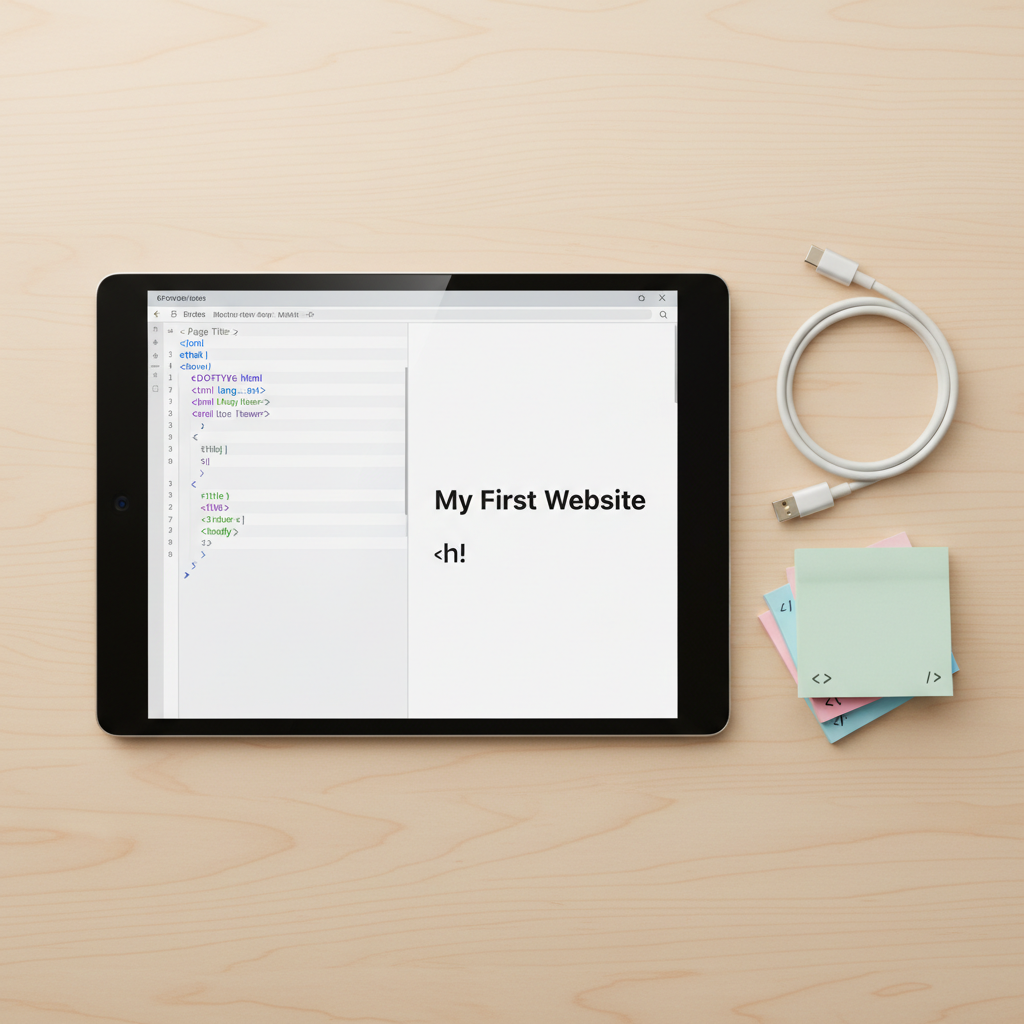
A close-up of a glossy black tablet lying flat on a smooth birch wood desk, its bright screen showing a simple HTML document on the left and the rendered webpage preview on the right. The code includes colorful tags and comments explaining each section. To the side rests a neatly coiled white USB-C cable and a small stack of pastel sticky notes with tiny drawn icons of tags and brackets. Soft, warm overhead lighting gently highlights the tablet’s beveled edges and creates subtle reflections on the glass. Shot from a top-down, bird’s-eye perspective, the composition is tidy and balanced, with sharp focus throughout, conveying an approachable, student-friendly feel in a clean photographic style.

Recommended Tools for Beginners

Browse our curated list of code editors, browsers, and online sandboxes, each with a quick overview, screenshots, and setup tips so you can install them confidently and start building web projects today.